If more than an object of each kind could be selected (meaning that they are difficult to distinguish or are in a tricky position), a series of icons becomes available under Selection Behind to finally pick the desired object. Pressing the icons one by one, the pre-selected object will be highlighted.
Bly calculates for each model and assemby its Bounding Box, which is defined as the smallest parallelepiped including the model. This command is a duplicate of "Show Bounding Box", more info can be found here.
Change Color and Transparency
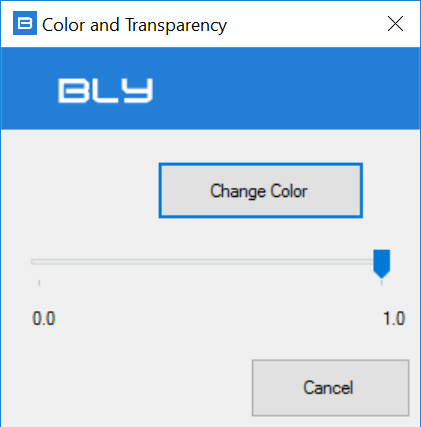
Gives the possibility of changing color and transparency of the selected body(ies). The following window is displayed:
Reset Color and Transparency
Restores the previously set color and transparency of the selected bosy(ies).